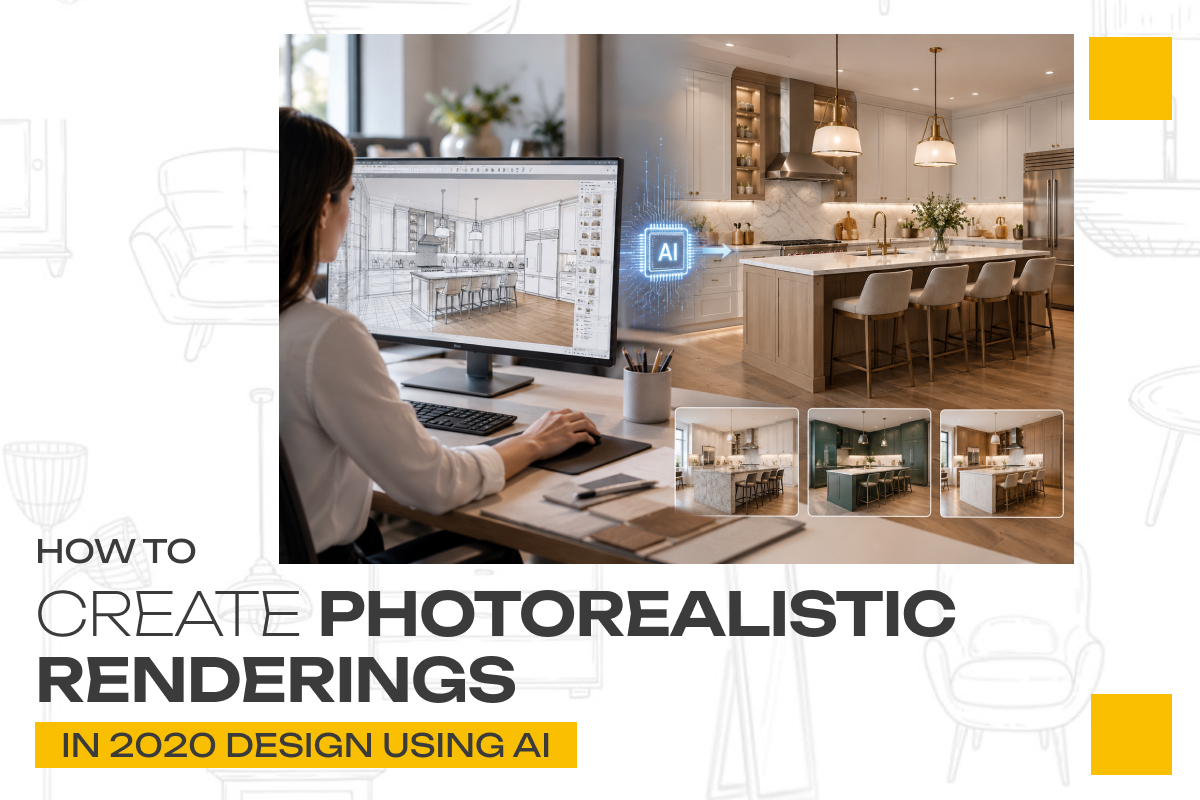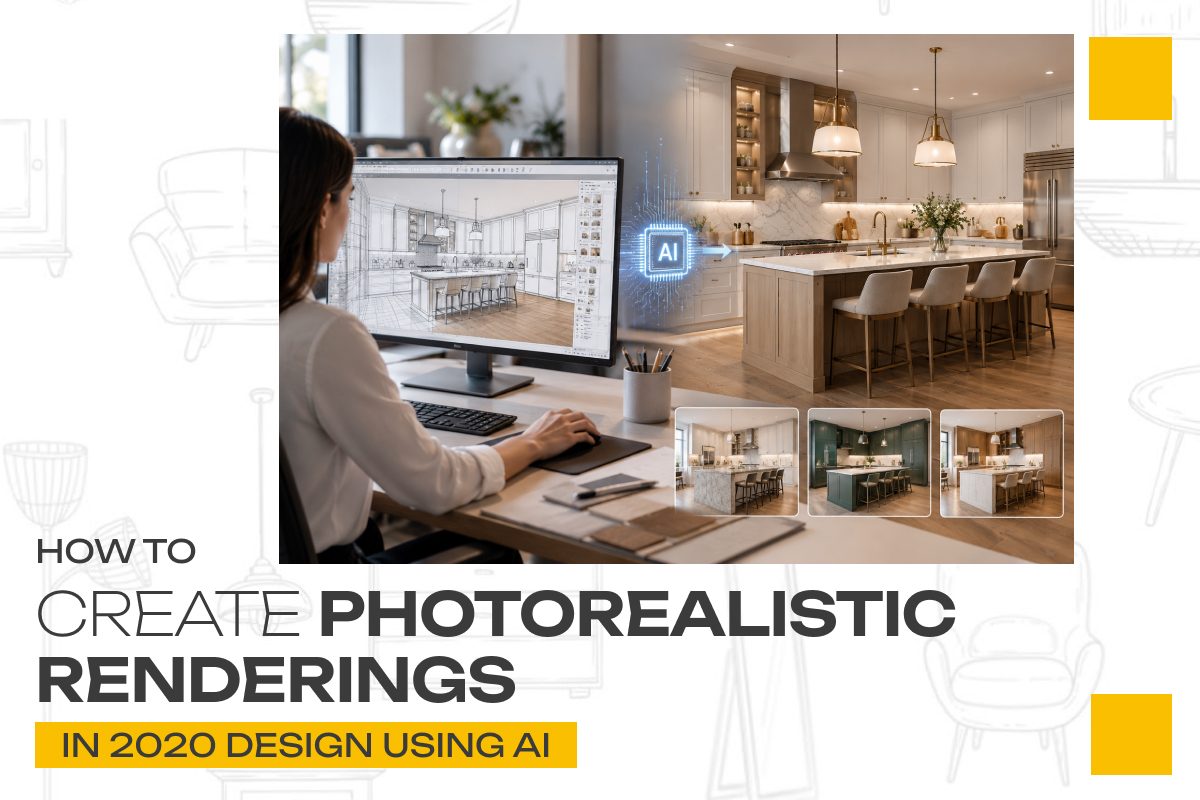
A kitchen design can look great on a floor plan, but clients often need more than lines, dimensions, and material names to understand the finished result. They want to see what the space could actually look like.
That is where photorealistic rendering becomes a valuable part of the design process.
For kitchen and bath professionals, realistic 3D visualization can make it easier to communicate layout decisions, materials, lighting, and overall design intent. With 2020 Design Flex, designers can develop detailed kitchen environments and create realistic visual presentations. AI can add another layer to the workflow by helping with concept development, visual exploration, and presentation ideas.
The key is knowing where AI adds value—and where the accuracy of the actual 2020 Design model needs to remain the priority.
In this guide, we’ll explore how designers can combine 2020 Design and AI to create more compelling photorealistic kitchen renderings.
What Makes a Kitchen Rendering Look Photorealistic?
Photorealism is more than making an image high resolution.
A convincing rendering needs to reproduce the visual qualities people expect from a real photograph, including:
- Realistic materials and textures
- Natural lighting
- Accurate shadows
- Believable reflections
- Correct proportions
- Appropriate camera perspective
- Realistic colors
- Details that make the room feel lived-in
For example, a white kitchen cabinet can appear completely different depending on whether it has a matte, satin, or high-gloss finish. A marble countertop also needs realistic texture and reflection to avoid looking like a flat image.
This is why the quality of the underlying design matters just as much as the rendering technology.
AI can help you explore the visual direction, but your 2020 Design model should remain the foundation for the actual design.
1. Start With an Accurate 2020 Design Layout
Before adding AI to the process, make sure your kitchen design is accurate.
Begin with the fundamentals:
- Room dimensions
- Cabinet configuration
- Appliances
- Doors and windows
- Island dimensions
- Countertops
- Backsplash
- Flooring
- Lighting
- Hardware
- Other important design elements
This step is critical because a photorealistic image is only useful if it represents the intended design.
Imagine creating a beautiful rendering where the island looks perfect—but its dimensions are wrong. Or an AI-enhanced image changes the position of an appliance.
The image might look impressive, but it can create confusion during the client approval process.
That’s why the best workflow is:
Accurate 2020 Design model → realistic rendering → AI-assisted creative enhancement
Rather than:
AI-generated image → assumed kitchen design
2. Choose Realistic Materials and Finishes
Materials have a major impact on how realistic a rendering looks.
Instead of thinking only about color, consider the physical characteristics of the material.
For cabinetry, for example:
- Painted wood
- Natural wood
- Laminate
- Matte finish
- Gloss finish
can all interact with light differently.
The same applies to countertops and other surfaces.
Consider how these materials behave in a real kitchen:
- Does the surface reflect light?
- Does it have a visible texture?
- Is the finish matte or glossy?
- Does the material have natural variation?
- How will it look under warm or cool lighting?
AI can be useful here as a visual exploration tool.
For example, a designer could use AI to explore different design directions around a warm contemporary kitchen, then translate the chosen concept into actual materials and products within the 2020 Design environment.
This distinction is important:
Use AI to explore possibilities. Use your design software to define the actual project.
3. Use AI to Explore the Design Style
One of the most useful applications of AI is early-stage visual exploration.
Suppose a client says they want a kitchen that feels:
Modern, warm, sophisticated, and welcoming.
That description can be difficult to translate immediately into specific materials and design decisions.
AI can help explore different visual directions around that description.
You might investigate combinations involving:
- Warm wood
- Neutral cabinetry
- Natural stone
- Minimal hardware
- Soft lighting
- Contemporary fixtures
You can then use the strongest concept as inspiration for the actual 2020 Design project.
This approach can save time during the creative phase because you’re not starting with a completely blank page.
4. Pay Attention to Lighting
Lighting can make or break a photorealistic rendering.
Even a well-designed kitchen can look artificial if the lighting is too flat or unrealistic.
Think about three types of lighting.
Natural Light
Consider:
- Window placement
- Direction of daylight
- Time of day
- Light intensity
- Shadows
Ambient Lighting
This establishes the overall brightness and atmosphere of the room.
Task and Accent Lighting
Kitchen examples include:
- Under-cabinet lighting
- Pendant lights
- Ceiling fixtures
- Interior cabinet lighting
When these layers work together, the kitchen starts to feel more like a real environment rather than a computer-generated room.
AI can help you experiment with lighting moods and visual styles, but the final lighting should be intentionally represented in the 2020 Design model.
5. Choose the Right Camera Angle
A photorealistic rendering can still fail to communicate the design if the camera angle is poorly chosen.
Before creating the final image, ask:
What should the client notice first?
Maybe it’s:
- A large kitchen island
- A statement backsplash
- A custom cabinet wall
- A beautiful range hood
- A unique lighting arrangement
- A combination of materials
Position the camera to make that feature part of the visual story.
You may also want to create several perspectives rather than relying on one image.
For example:
Hero View
Your strongest overall presentation image.
Wide View
Shows the complete kitchen layout.
Detail View
Highlights materials, cabinetry, hardware, or another design feature.
Functional View
Helps the client understand how the kitchen works.
Multiple views can give clients a much better understanding of the proposed space.
6. Use AI Carefully After Rendering
This is where AI can become particularly useful—but also where designers need to be careful.
Once you have a strong 2020 Design render, AI-based image tools can potentially help explore:
- Different atmospheres
- Decorative styling
- Background concepts
- Presentation variations
- Visual mood
- Image enhancement ideas
However, AI image generation can also unintentionally change important design details.
It may alter:
- Cabinet proportions
- Hardware
- Appliances
- Countertop shapes
- Materials
- Windows
- Room dimensions
For a professional design presentation, these changes can become a problem.
If a client sees an AI-enhanced image and assumes that everything shown is part of the actual design, expectations can quickly become misaligned.
Therefore, treat AI enhancement as a presentation and creative tool, not a substitute for the actual design model.
7. Keep the Actual Design as the Source of Truth
This is one of the most important principles when combining AI with professional design software.
Your 2020 Design project should remain the authoritative version of the kitchen.
AI can help you answer questions such as:
- What mood should this space have?
- Which visual direction feels more premium?
- How might the room look with warmer lighting?
- What styling could complement this material palette?
But the actual design should continue to come from the properly configured project.
This gives you the best of both worlds:
AI provides creative possibilities.
2020 Design provides design accuracy.
8. Create Renderings for the Right Purpose
Not every rendering needs the same level of detail.
Think about where the image will be used.
Internal Design Review
You may need a quick visualization to evaluate the concept.
Client Presentation
A higher-quality rendering can help communicate the finished vision.
Website or Marketing
Images should be high quality while still optimized for digital use.
Portfolio
This is where your strongest and most polished renderings can make an impact.
The goal isn’t always to produce the largest or most detailed image possible.
The goal is to produce the right visual for the intended audience and purpose.
9. Compare Your AI Concept With the Actual Rendering
Before presenting the final visual to a client, compare the AI concept and your actual 2020 Design rendering.
Look carefully at:
- Cabinet layout
- Materials
- Colors
- Appliance placement
- Island dimensions
- Lighting
- Architecture
- Decorative elements
If AI has introduced something that isn’t part of the actual project, decide whether it should be removed or clearly treated as conceptual inspiration.
This quality-control step helps maintain trust.
After all, the goal isn’t simply to create a beautiful picture.
The goal is to create a credible visualization of the proposed kitchen.
10. Use AI to Improve the Presentation, Not Replace the Designer
AI can accelerate parts of the visualization process, but the designer still brings something essential: professional judgment.
A designer understands things AI may not reliably understand in the context of a real project:
- Practical layouts
- Product availability
- Installation requirements
- Client preferences
- Space limitations
- Design functionality
- Budget considerations
AI can generate possibilities quickly.
A professional designer decides which possibilities actually make sense.
That combination can make the design workflow more efficient without sacrificing accuracy.
A Practical 2020 Design + AI Workflow
A simple workflow might look like this:
Step 1: Understand the client’s requirements.
Step 2: Build the accurate kitchen in 2020 Design.
Step 3: Select appropriate materials, products, finishes, and fixtures.
Step 4: Develop the lighting and camera perspective.
Step 5: Create a high-quality 3D rendering.
Step 6: Use AI to explore alternative visual styles or presentation ideas.
Step 7: Compare AI concepts with the actual design.
Step 8: Remove or correct anything AI has changed inaccurately.
Step 10: Use the rendering to support the design presentation and next stage of the sales process.
This workflow keeps AI where it is most useful while preserving the accuracy of the actual design.
Common Mistakes to Avoid
Using AI Before Creating an Accurate Design
An attractive AI image isn’t a substitute for a properly designed kitchen.
Letting AI Change Important Details
If the AI changes the cabinetry, appliances, or architecture, the image may no longer represent the actual project.
Ignoring Lighting
Good materials can still look artificial under poor lighting.
Using Only One Camera Angle
A single image may not communicate the entire design.
Focusing Only on Appearance
A beautiful kitchen still needs to be functional and appropriate for the client’s needs.
Overusing AI
AI should make the workflow more efficient and creative—not make the design process less controlled.
Why Photorealistic Rendering Matters for Kitchen Designers
Clients don’t always have the ability to translate a technical floor plan into a mental picture of the finished room.
A photorealistic rendering closes that gap.
Instead of asking a client to imagine:
“What will these cabinets look like with this countertop and backsplash?”
you can show them a visual representation of the proposed space.
That can make conversations about materials, layout, lighting, and design direction much easier.
It can also help designers present their ideas more professionally and give prospective clients a clearer understanding of what they can expect from the project.
And when a visualization is connected to a well-developed 2020 Design model, it can serve a purpose beyond aesthetics—it becomes part of the communication and decision-making process.
Final Thoughts
AI is changing the way designers explore and communicate ideas, but the strongest results don’t come from asking AI to create an entire kitchen from scratch.
They come from combining creative AI capabilities with accurate professional design software.
Use AI to explore styles, moods, materials, lighting ideas, and presentation concepts.
Use 2020 Design to build the actual kitchen.
Then bring the two together through careful rendering, review, and presentation.
The result is more than a photorealistic image. It is a visual communication tool that can help clients understand the design, make decisions with greater confidence, and move closer to the next stage of their project.
Want to create more compelling kitchen visualizations and turn design ideas into client-ready presentations? 2020 Kitchen Design can help you explore professional design and visualization solutions for your next project.